
Auth Model
Peek has account authentication for the dashboard and API, plus upload-level visibility for each shared page. Keep those separate:
| Layer | Controls |
|---|---|
| Account auth | Who can sign in to the dashboard or approve CLI login. |
| API tokens | Which authenticated actor can upload, list, export, delete, or manage tokens. |
| Upload visibility | Who can open a particular /p/<slug> page. |
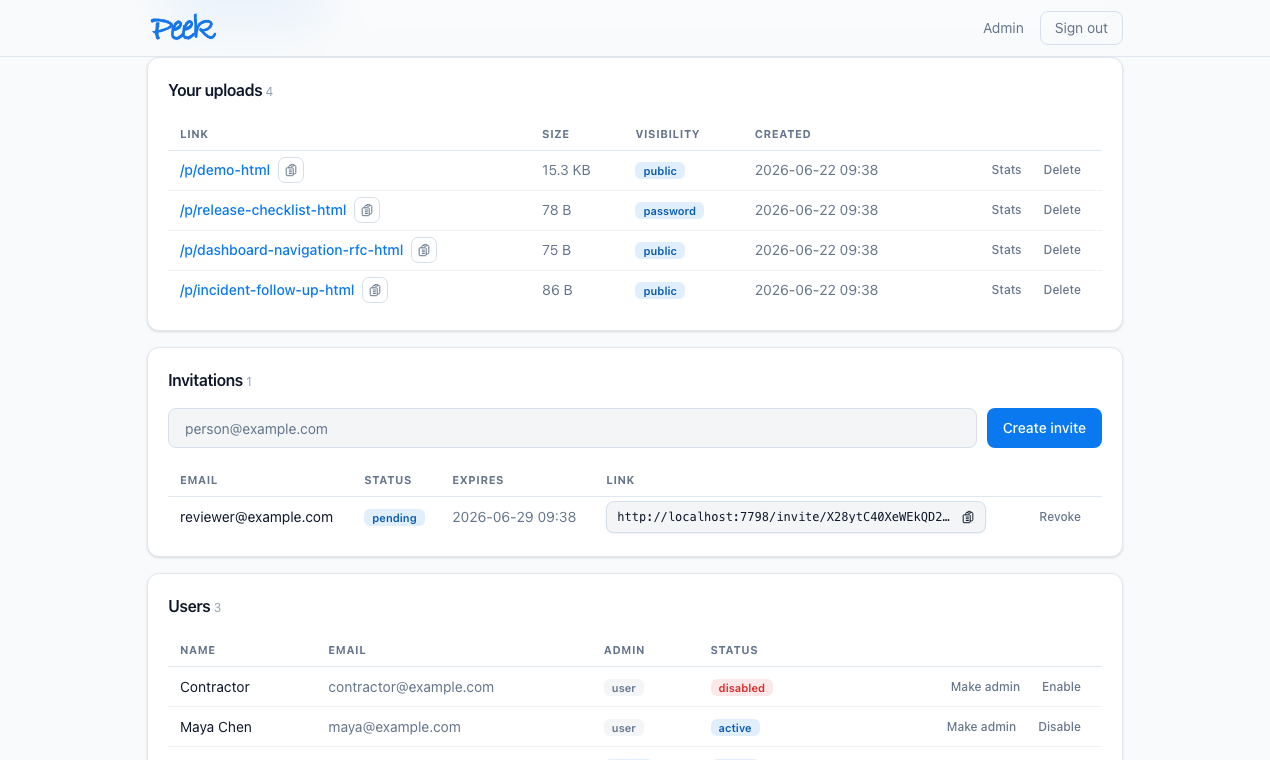
First-run setup creates the initial admin. Admins can invite users, disable users, promote or remove admin rights, enable OAuth providers, restrict human sign-in to an email domain, and control token-login behavior.
OAuth Providers
Peek supports Google, GitHub, and one generic OpenID Connect provider for SSO systems such as Okta, Entra ID, Auth0, or Keycloak. A provider is active only when it is enabled and its required credentials are configured.
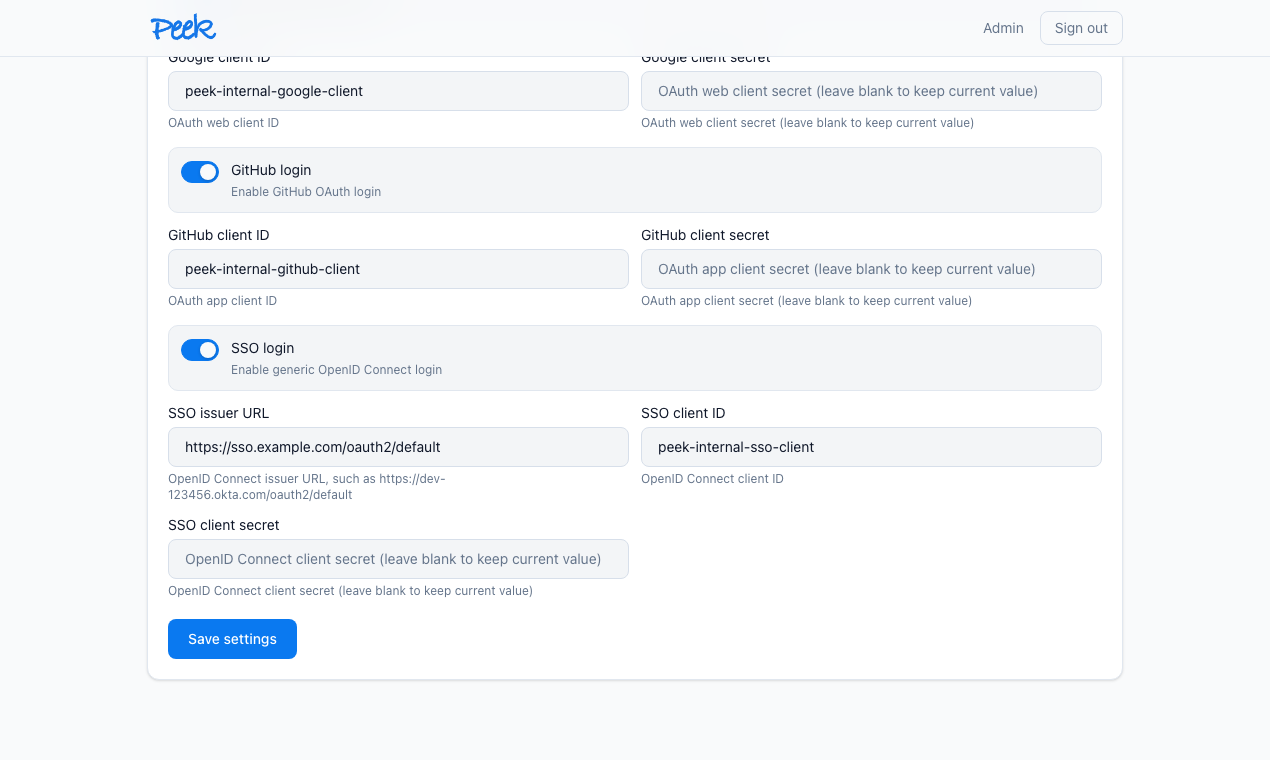
Use these callback URLs in the provider console:
https://peek.example.com/oauth/google/callback
https://peek.example.com/oauth/github/callback
https://peek.example.com/oauth/oidc/callback
Provider scopes are intentionally small:
| Provider | Scopes |
|---|---|
| OpenID, email, profile | |
| GitHub | read:user, user:email |
| OpenID Connect | openid, email, profile |
Provider tokens are used for profile lookup and are not stored. Peek stores the provider identity, verified email, and display name needed to link future logins.
For Okta, use the issuer URL for the authorization server, for example https://dev-123456.okta.com/oauth2/default, and register the OIDC callback URL above. The issuer URL must be HTTPS and cannot point at private, link-local, loopback, or metadata endpoints unless the server is started with PEEK_OIDC_ALLOW_PRIVATE_ISSUER=true for explicit local SSO testing.
Allowed Email Domain
Admins can set one allowed email domain in Settings. When configured, human sign-in must use an account email from that exact domain. The rule applies to OAuth login and signup, local password login, web token login, CLI browser approval, private-page sessions, and new invites. It does not block direct API bearer tokens, so existing automation tokens keep working.
Use the bare domain, such as example.com. A leading @ is accepted and normalized away. Subdomains are not implicit matches, so person@team.example.com does not match example.com.
Peek refuses to save a non-empty allowed domain unless at least one active admin account already has a matching email address. That keeps the setting from locking out all administrators.
Invites And Users
OAuth signup is invite-only. A new OAuth user can create an account only when:
- The provider returns a verified email.
- The browser has a pending Peek invite cookie.
- The invite email matches the provider email.
If an account already exists with the verified email, Peek links the OAuth identity to that account without requiring another invite. Disabled accounts cannot sign in.
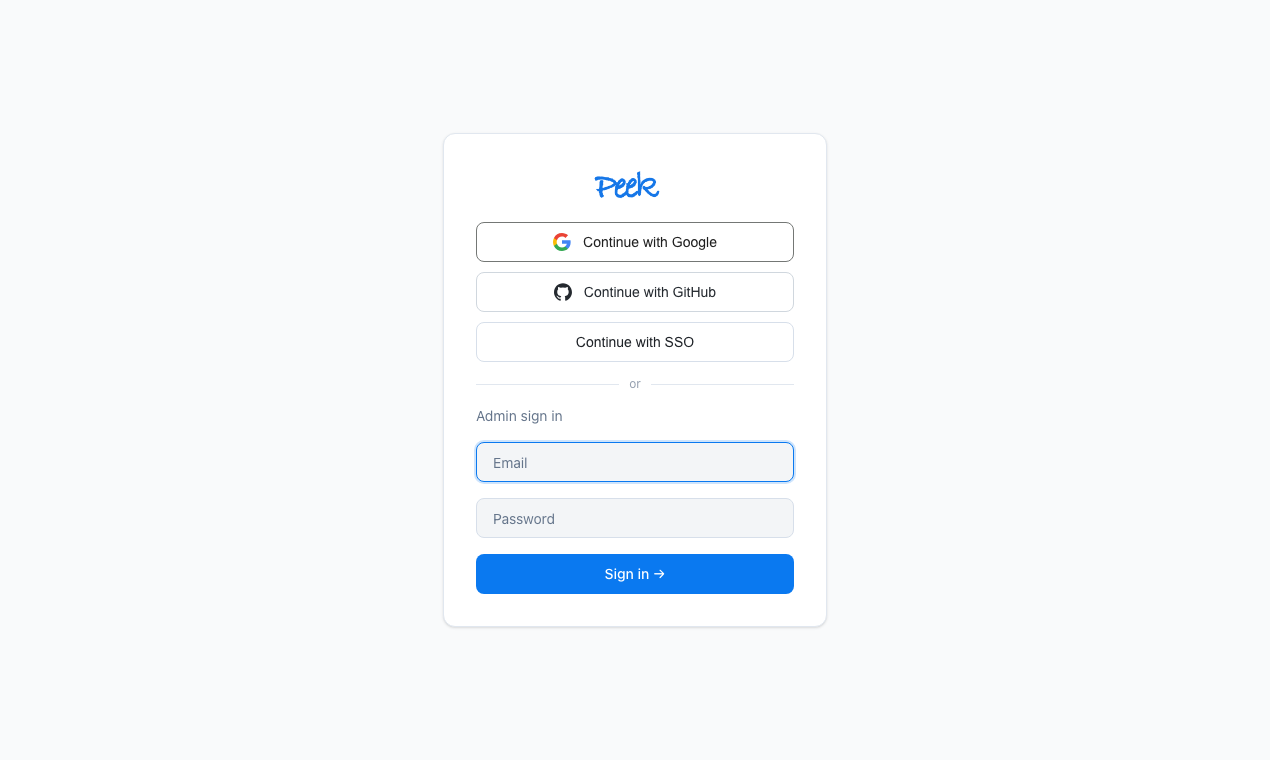
When OAuth is enabled, non-admin password and token web login are disabled. Admins keep password login as a recovery path, as long as the admin email also matches the allowed domain when one is configured.
CLI Login
peek login starts a browser approval flow when the server supports it. The CLI opens a verification URL, the user approves in the dashboard, and Peek issues a normal API token to the CLI.
If browser login is unavailable or inappropriate for automation, use one of the safer token input paths:
peek login --token-stdin
peek login --token-file /path/to/token
Avoid peek login --token <value> unless you deliberately accept command history and process-list exposure.
Admins can create and revoke automation tokens:
peek token create --name ci-reports
peek token list
peek token revoke <id>
Tokens are stored hashed and the plaintext token is shown only at creation time.
Upload Visibility
Each upload chooses one of three access modes:
| Mode | Access |
|---|---|
public | Anyone with the link can open and comment. |
password | Visitors must pass the upload password gate before opening and commenting. |
private | Visitors must have an active Peek account session. |
Uploaded HTML itself remains sandboxed in all modes.
Parameters
| Setting | Where | Meaning |
|---|---|---|
auth_token_login_enabled | Runtime setting | Allows dashboard login with access tokens when OAuth is not required. |
auth_allowed_email_domain | Runtime setting | Optional exact email domain for human sign-in, invites, and CLI browser approval. |
oauth_google_enabled | Runtime setting | Enables Google login when credentials are present. |
oauth_google_client_id | Runtime setting | Google OAuth web client ID. |
oauth_google_client_secret | Runtime setting | Google OAuth web client secret; leave blank in the dashboard to keep the current secret. |
oauth_github_enabled | Runtime setting | Enables GitHub login when credentials are present. |
oauth_github_client_id | Runtime setting | GitHub OAuth app client ID. |
oauth_github_client_secret | Runtime setting | GitHub OAuth app client secret; leave blank in the dashboard to keep the current secret. |
oauth_oidc_enabled | Runtime setting | Enables generic OpenID Connect SSO when issuer and credentials are present. |
oauth_oidc_issuer_url | Runtime setting | OpenID Connect issuer URL. |
oauth_oidc_client_id | Runtime setting | OpenID Connect client ID. |
oauth_oidc_client_secret | Runtime setting | OpenID Connect client secret; leave blank in the dashboard to keep the current secret. |