
What Peek Is For
Peek is a small internal service for reviewing HTML. Use it when a report, prototype, generated artifact, or one-off page needs a link, a safe browser preview, and comments that stay attached to the thing being reviewed.
The product has two surfaces:
| Surface | Use it for |
|---|---|
| Web dashboard | Upload HTML, manage links, inspect stats, invite users, configure auth, tune limits, and change storage settings. |
| CLI | Upload from local scripts, CI, or agents; list uploads; read comments; export an upload; create automation tokens. |
Uploaded pages render in a sandboxed iframe. Reviewers can leave page comments, text-selection comments, or element-pinned comments without giving the uploaded HTML access to Peek sessions.
First Useful Setup
Start a local server, create the first admin from the setup URL printed by peekd, then sign in with the CLI:
peekd --addr :7700 --data ./data --base-url http://localhost:7700
peek login --host http://localhost:7700
peek upload report.html --visibility public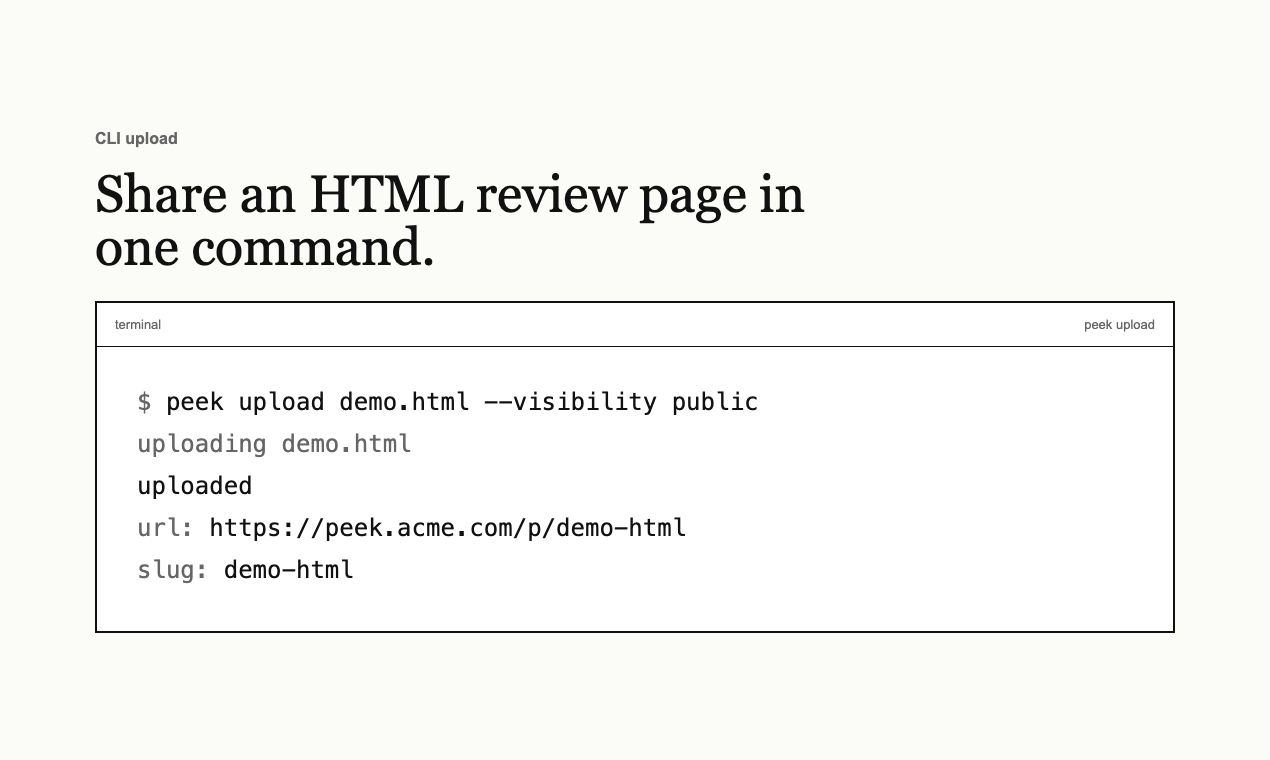
Choose A Setup Path
| If you are… | Read |
|---|---|
| Sharing a page for review | Using Peek |
| Installing Peek on a server | Server setup |
| Deploying on Render, Fly.io, Railway, Kubernetes, or another cloud platform | Deployment platforms |
| Configuring OAuth or SSO sign-in | Auth and access |
| Choosing file storage or S3-compatible storage | Storage, limits, and retention |
| Looking up every flag, env var, endpoint, or smoke check | Reference |
What To Read Next
Start with Using Peek if you are evaluating the workflow. Start with Server setup if you already know where the service will run, then check Deployment platforms before choosing a managed cloud host.
For a company deployment, read Auth and access before inviting users. OAuth changes the login surface deliberately: non-admin users sign in through enabled providers, while admins keep a password fallback for recovery.